How agencies run approval workflows for multi-brand social media
A practical guide to setting up roles, review steps and schedules when one team publishes for many brands, without losing track of who approved what.
On this page
An agency that runs social media for one brand can get away with a shared folder and a group chat. At five brands it starts to creak. At fifteen, the same questions come up every week: which version did the client approve, who changed the caption after that, and why did Tuesday's post go out with last month's offer?
None of these are writing problems. They are workflow problems, and they can be fixed with a few decisions you make once.
Start with one space per brand
Every brand needs its own place for posts, images, channels and its brand guideline. If two clients share a folder, a board or a social scheduler account, sooner or later someone uploads the wrong logo or schedules a post on the wrong Page.
Separate spaces also make access simple. A client's marketing manager should see their brand and nothing else. Your freelance designer working on two accounts should see exactly those two. When access follows the brand, you stop managing exceptions.
Decide who does what before the first post
Most approval trouble comes from roles that were never written down. A useful split has four roles:
- Manager: owns the brand inside the agency. Connects channels, adds people, schedules and publishes.
- Editor: writes and designs. Creates drafts and submits them for review, but cannot publish.
- Reviewer: approves or sends back. Often the client, or a compliance person for regulated industries such as healthcare or finance.
- Viewer: can look but not touch. Useful for client executives who want visibility without being pulled into every review.
The point of the editor role is that writing and publishing are separate permissions. If the person who wrote the post can also push it live, the review step becomes optional in practice, especially on a busy Friday afternoon.
Make status the single source of truth
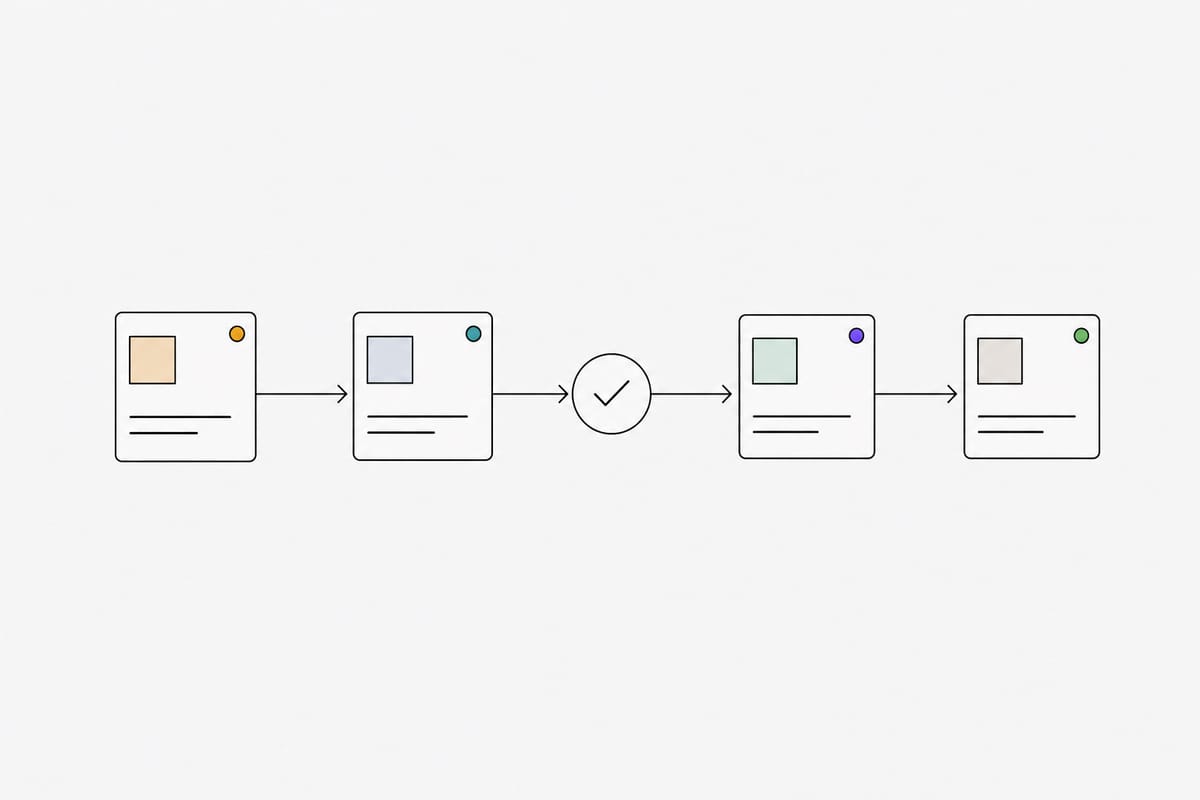
A post should always be in exactly one state, and everyone should be able to see it. A simple sequence works for most teams:
- Draft: being written. Nobody outside the team needs to look yet.
- In review: finished from the writer's side and waiting for a decision.
- Approved: the reviewer said yes to this exact caption and image.
- Scheduled: a manager has set the time and channels.
- Published: it is live, with a link to the post on the platform.
The rule that makes this work: if anyone edits an approved post, it goes back to review. Otherwise "approved" stops meaning anything, and you are back to asking which version the client actually saw.
Review the post the way followers will see it
Clients approve what they can see. If they review a caption in a document and an image in a separate message, they are approving two pieces, not the post. Line breaks, hashtags, emoji and the point where Facebook cuts the caption with "See more" all change how a post reads.
Show reviewers a preview that looks like the feed, with the Page name, the image crop and the caption in place. You will catch cropped faces, broken line breaks and captions that hide the key message below the fold before they go live.
Keep feedback on the post, not in chat
When feedback arrives in a chat thread, it is hard to tie to a version. A week later nobody can find the message that said "change the price to 199k". Keep requests for changes attached to the post they belong to, and make "send back with a reason" part of the reviewer's job.
If your tools do not support comments yet, a short convention helps: the reviewer writes the requested change in one place, and the editor confirms when it is done before resubmitting.
Schedule in the brand's time zone
Agencies in the region often manage brands across several countries. A post planned for 8 pm should go out at 8 pm where the audience is, not where the agency sits. Set a time zone per brand and schedule in it. Store times in UTC behind the scenes so daylight saving changes in other markets do not shift your calendar.
Keep a record you can show a client
At some point a client will ask why a post went out. A clean activity history answers it in seconds: who created the post, who edited it, who approved it and when it was published. This is also what protects the team when something goes wrong, because it turns an argument into a timeline.
A useful history records every status change and edit with the person and time. If AI tools or automations touch your posts, label their actions separately so you can tell them apart from human edits.
A checklist to set this up
- One workspace per brand, with its own channels and guideline.
- Written roles: who drafts, who approves, who schedules.
- Editors cannot publish. Approved posts that change go back to review.
- Reviewers see a feed-style preview, not a document.
- Feedback lives on the post.
- Each brand has its own time zone.
- Every action is logged with a name and a time.
You do not need all of this on day one. Start with separate spaces and written roles, and add the rest when the next "who approved this?" message arrives. The time saved shows up quickly, because nobody has to dig through chat history anymore.
Run this workflow in PulseFlowAI
Workspaces per brand, an approval step for every post and auto-publishing to Facebook and Instagram. Available to agencies and brand teams by invitation.
Related articles

Using AI agents to draft social posts safely (human-in-the-loop)
AI agents can research, write and design posts quickly. Here is how to give them a real job in your content workflow while a person still approves every post.